10379 Posts in 2194 Topics by 1710 members
| Go to End | Next > | |
| Author | Topic: | 998 Views |
-
Image Gallery

11 June 2010 at 8:30am
Hi Guys
I'm trying to make a image upload page on the front end, where users can login, choose an category (album) to upload and upload images with SWFUploadField, and have them display in the image gallery module.
I can set up the fields and have it upload etc, but is it possible to define the folder it uploads to by a dropdown field in the same field? I see it uploads through handleswfupload, but the page hasn't been sent yet so how would i go about it? Can i pass variables via javascript?
Cheers
-
Re: Image Gallery

11 June 2010 at 8:55am
Yes.. you can use SWFUploadConfig::addDynamicPostParam(ID_OF_ELEMENT);
If you run into trouble, search for that function in FileDataObjectManager.php.. it's implemented for the allowUploadFolderSelection() feature of DOM.
-
Re: Image Gallery

11 June 2010 at 9:38am Last edited: 11 June 2010 10:03am
Thanks for reply so quickly! You have restored my faith in these forums!
Thats exactly what i'm looking for, but i have used it like so:
SWFUploadConfig::addDynamicPostParam('ImageAlbum','ImageUploadForm');
But now it just submits the page without uploading first. Any ideas?
EDIT: Never mind i had my vars wrong.
SWFUploadConfig::addDynamicPostParam('ImageAlbum','Form_ImageUploadForm_ImageAlbum');
-
Re: Image Gallery

11 June 2010 at 5:37pm Last edited: 11 June 2010 5:47pm
UncleCheese,
Thanks again for your help mate.
I have another issue now. I cant seem to define where the handleswfupload function is. Here is my code:
function ImageUploadForm() {
SWFUploadConfig::addFileTypes(array('jpg','gif'));
SWFUploadConfig::addDynamicPostParam('ImageAlbum','Form_ImageUploadForm_ImageAlbum');
$fields = new FieldSet(
new TextField('ImageTitle', 'Image Title'),
new DropdownField("ImageAlbum", "Please select a category", $this->getAlbums()),
new SWFUploadField('ImageUploadForm','UploadImage','Please select an image to upload.',array('file_upload_limit' => '3','required' => 'true','debug' => 'true','upload_url' => $this->Link('handleswfupload')))
);
$actions = new FieldSet(
new FormAction('doUpload', 'Submit')
);
return new Form($this, 'ImageUploadForm', $fields, $actions);
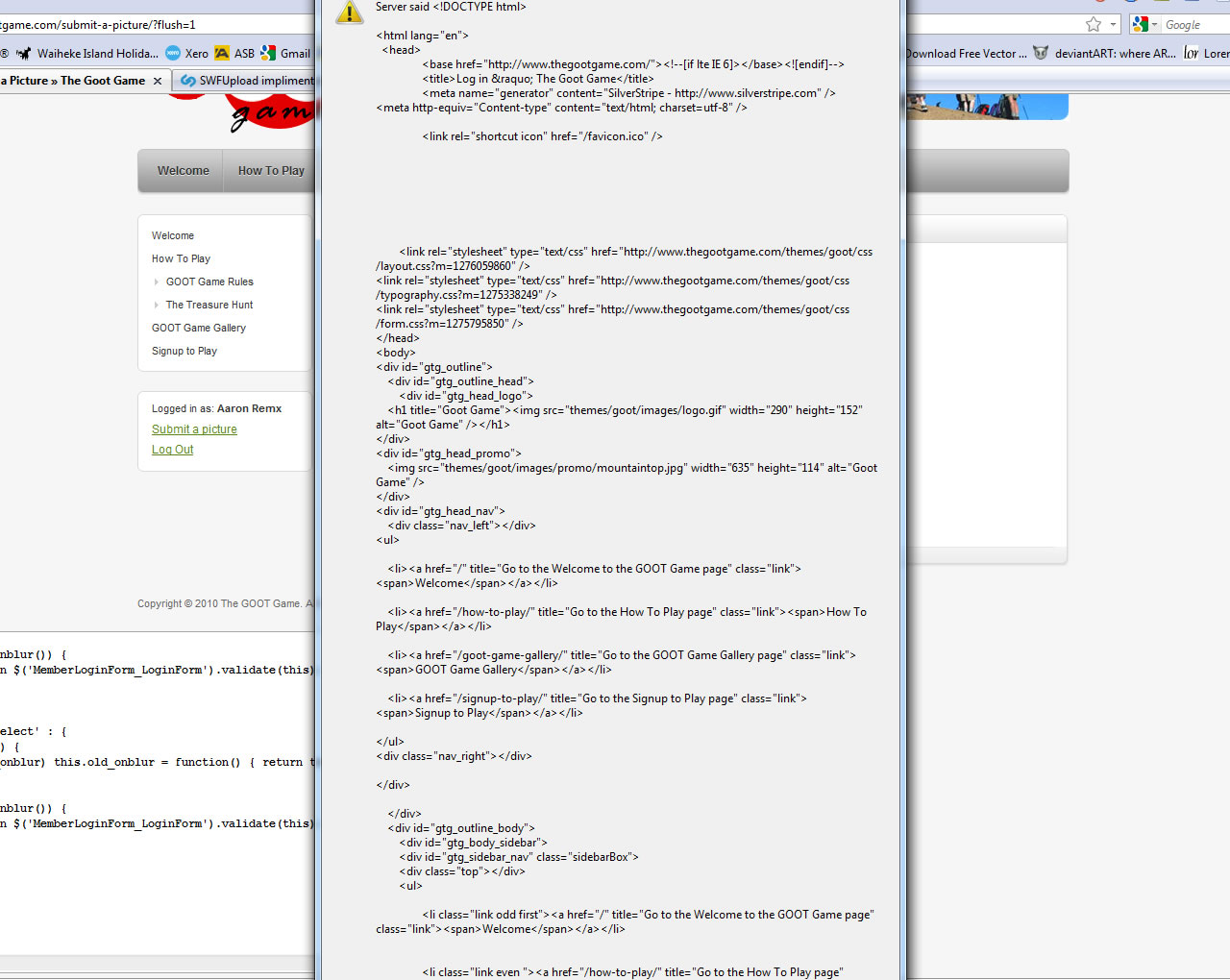
}If i look inside the debug window my Upload URL is /submit-a-picture/handleswfupload, which i thought looks fine - but when i submit the photo, i get a javascript alert full of html (view attached image). My handleswfupload function is in the same controller as the above form.
It works fine if i leave the default upload_url. Any ideas? Is this something to do with 2.4?
On a side note - can i change the class it uses to ImageGalleryItem from Image?
Cheers
-
Re: Image Gallery

14 June 2010 at 9:57am
The function directly after the above ImageUploadForm();
Inside the same controller. -
Re: Image Gallery

14 June 2010 at 10:18am
What's it doing? What happens if you browse directly to that url?
| 998 Views | ||
| Go to Top | Next > |